|
36.9 How do I see Register Items all at once |
  
|
|
36.9 How do I see Register Items all at once |
|
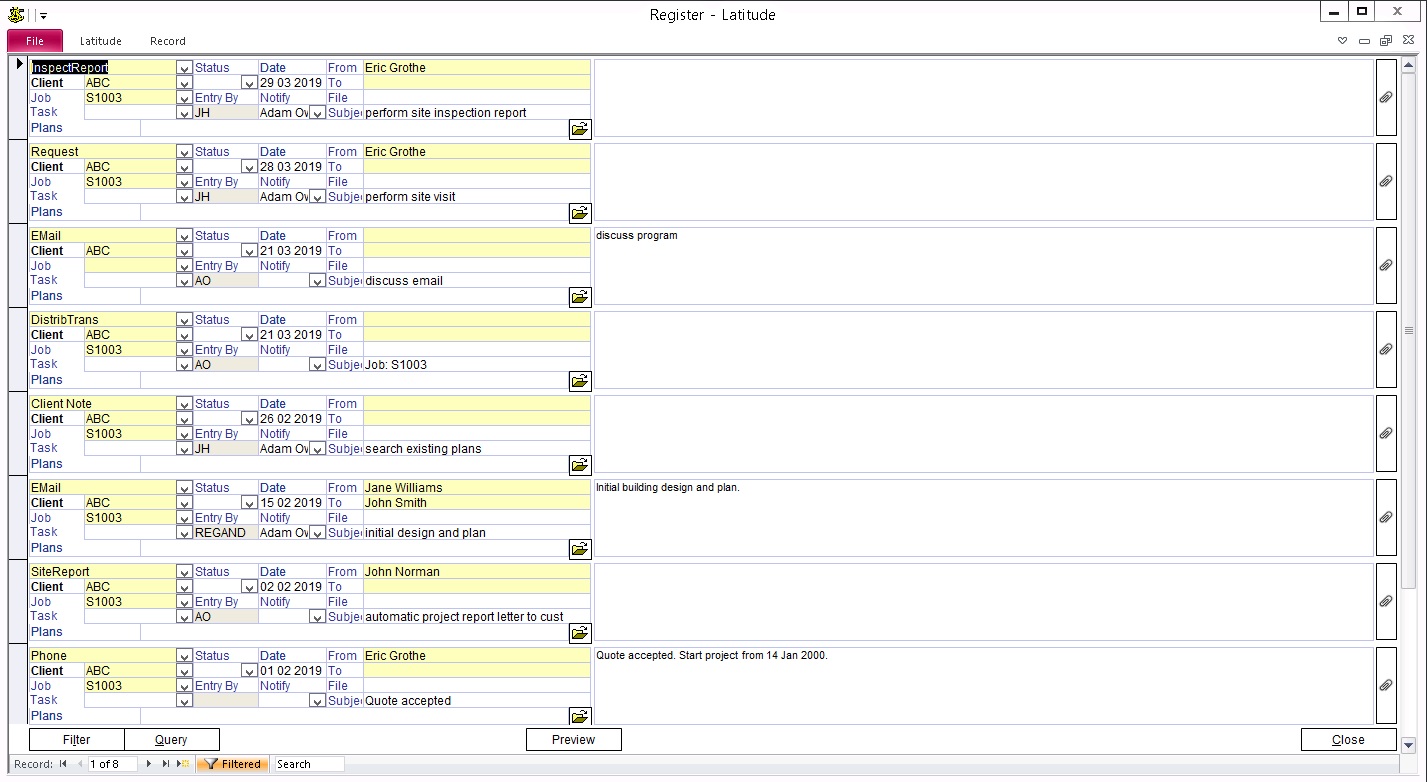
36.9.1 While you see the detail of each Register Item on the Register screen, you can see a list of Register Items on the Register List screen.
The Register List is filtered to the selected Register Type and/or Job/Client. Therefore, you can, for example, use the Register List to see all Register Items for a given Client or quickly check all email messages for a given Job.
You can also produce a Register List report.
36.9.2 In the Register screen, select a Register Type and Job/Client. If you need help, refer to earlier Topics in this Category.
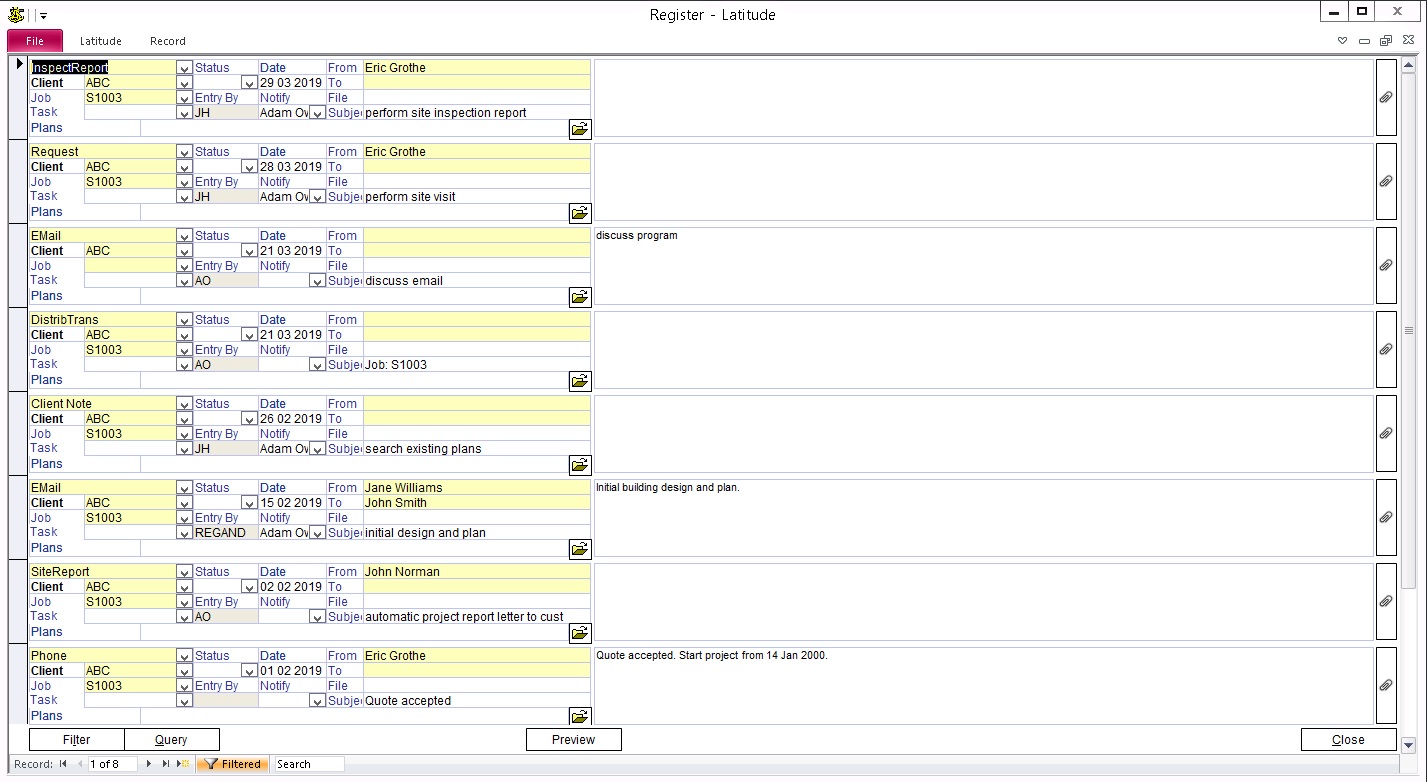
Press the "Register List" button at the bottom of the Register screen.
36.9.3 To sort the list, click the field you want to sort on, and then right-click. Select "Sort Ascending" or "Sort Descending".
To search for an item, click the field you want to search on, and use Ctrl+F to Find.
Click on Open File button to launch applications and display the selected document.
Press the "Preview" button to produce the Register List report.
)