|
27.3 Quick Search Boxes |
  
|
|
27.3 Quick Search Boxes |
|
27.3.1 Immediately jump to the Business Contact, Contact, Job/Project or Register screens using the quick search boxes, allowing you to search through details other than the name or code.
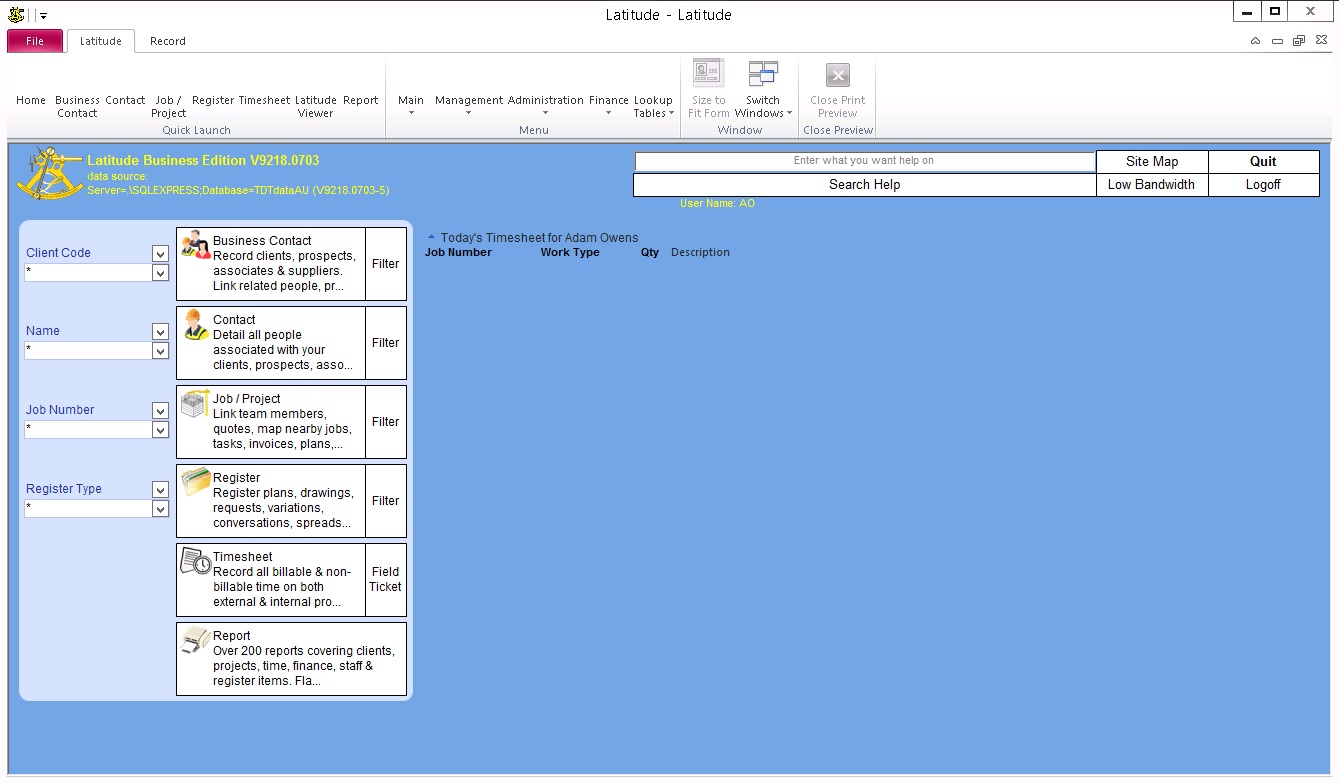
The Business Contact quick search allows you to search a business contact by its Client Name or Client Code.
The Job quick search allows you to search for a job by its:
Job Number,
Job Status,
Street Number,
Street Name,
Locality,
Street Name and Locality, and
Street Number, Street Name, and Locality.
If the search criteria contain two words separated by a comma, it searches for the Street Name AND Locality.
If the search criteria contain only one word, it will search for Street Name OR Locality.
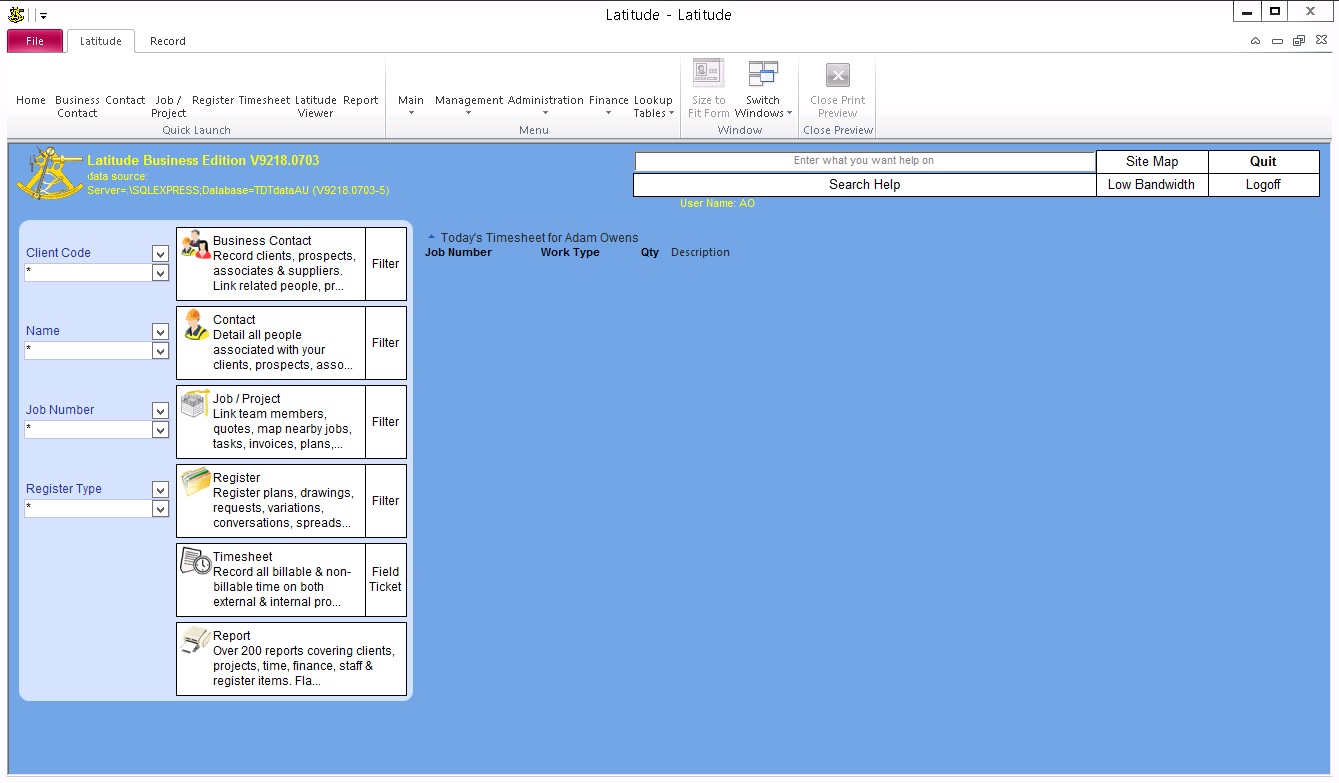
Enter a keyword you want to search on the quick search boxes and hit Enter.
)